Hameçonnage, failles et vie privée
Phishing through email, newsletters and security alerts
Open the official app yourself or type the official domain into your browser manually. Go there directly. Do not let the email decide where you land.
 MASTR
MASTRPremière publication 3 min · 496 mots
Original publication · 10 Sep 2026. Figures, claims and opinions reflect the original publication date.
Les publications originales sont en anglais. La navigation est disponible en sept langues.
Phishing is exploding right now, and too many people still trust emails and newsletters far more than they should!
Treat every mail, newsletter and “security alert” as hostile until proven otherwise.
• Never click links inside emails or newsletters when it involves logins, wallets, payments, KYC, account recovery or “urgent action”.
• Open the official app yourself or type the official domain into your browser manually. Go there directly. Do not let the email decide where you land.
• If the message claims there is a problem, check inside the real app or on the real website whether the same warning exists there.
• If you are unsure, contact support only through the official website or app. Not through reply email addresses, buttons, phone numbers or links inside the message.
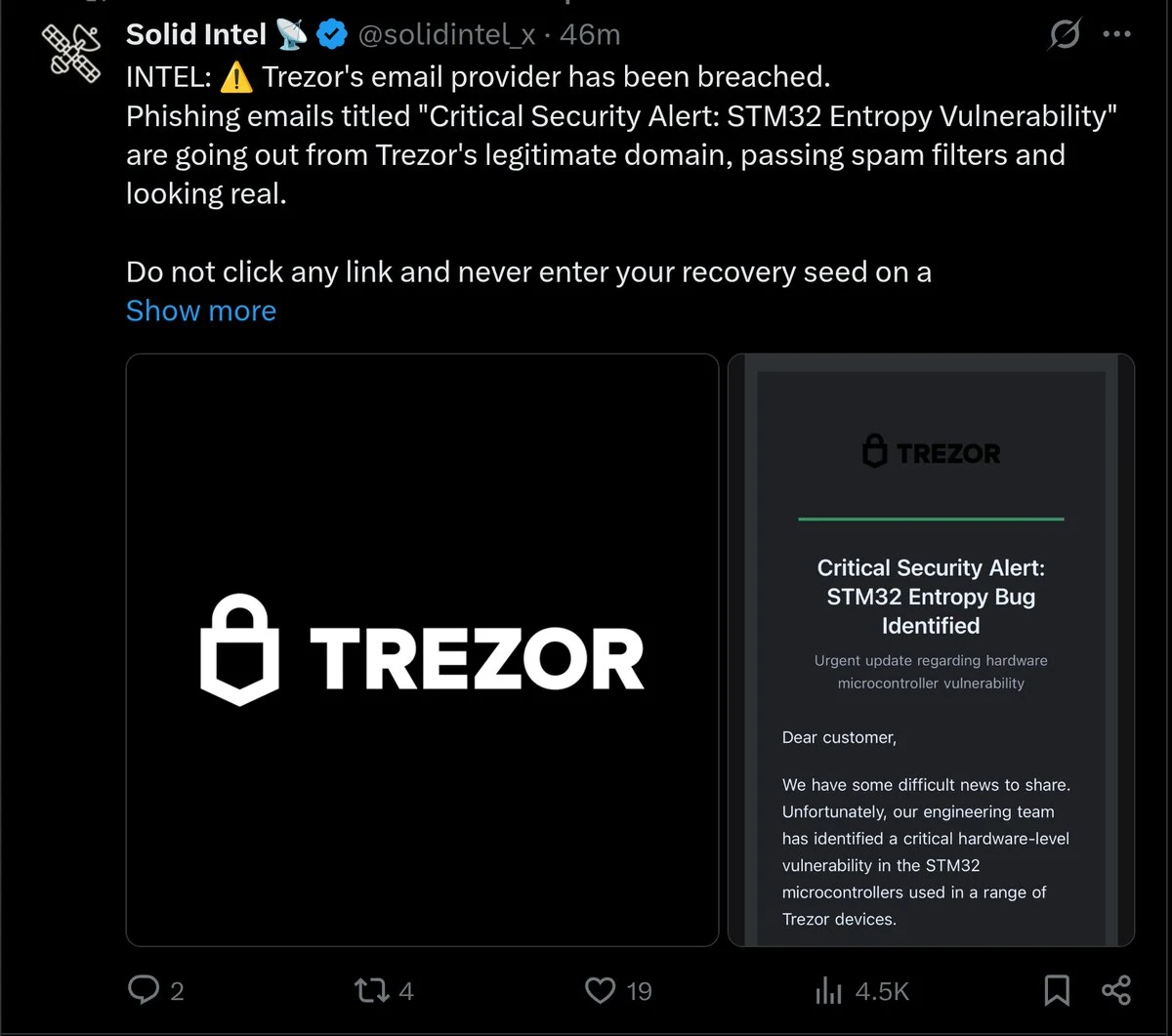
• Do not trust a message just because the branding looks perfect. Providers get compromised, sender names get spoofed and phishing pages often look cleaner than the real product.
• Bad grammar is no longer a useful filter. Plenty of phishing campaigns are polished.
• Never enter your seed phrase. Ever. No real support team needs it.
• Never sign a wallet transaction unless you fully understand what it does.
• Never open random attachments, especially “security reports”, “invoices” or “verification files”.
• Always check the real sender address and the real domain, not just the display name.
➡️ A more detailed version for anyone interested.
The safest habit is simple: ignore the link, go to the platform directly, verify there, and only then act. That one habit kills a huge amount of phishing.
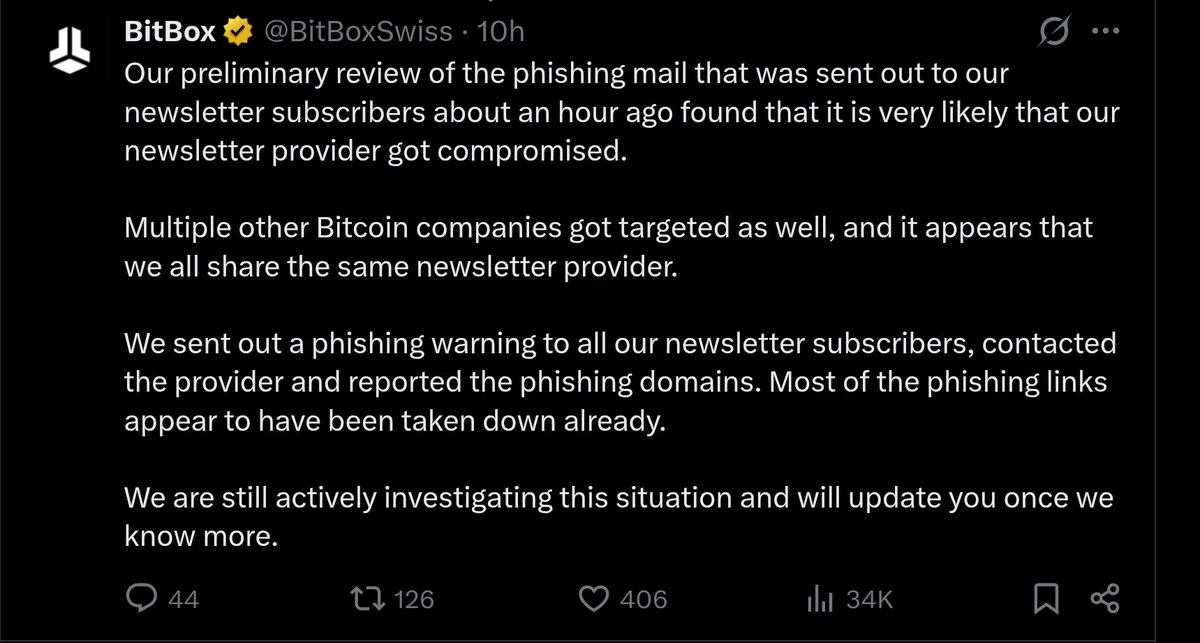
Phishing is a fucking plague, and an email from a company you actually use can still be a trap when its newsletter provider gets compromised.
You subscribed, you recognise the branding, the sender looks familiar, and that accumulated trust is exactly what makes the message dangerous. Looking for bad grammar will not save you here.
For anything involving your money, wallet or account access, stop clicking through from emails and newsletters.
Open the official app yourself, use a previously verified bookmark or manually enter the address you already know.
Check whether the request is genuine there.
When something is unclear, contact support through that app or website, using contact details you found independently.
Replying to the suspicious email or calling the “support number” inside it leaves you dealing with whoever sent it.
Googling the company and blindly clicking the first sponsored result is no reliable shortcut either.
Pay particular attention when someone tells you your funds are at risk and you must act immediately.
That pressure can push you into entering credentials, installing a fake update or signing a transaction before checking what you are doing.
Never give support your recovery phrase or verification codes, and never enter your recovery phrase into a website linked in a message.
A supposed security warning deserves the same scrutiny as any other unsolicited request, especially when it asks you to move funds or approve something.